
Trade with
Precision on TradingView
Turn insights into action with the ultimate Futures platform.
Gain Your AvaFutures Trading Edge

Superior Trading
Conditions
Get up to 100 commission-free trades, free CQG connections and earn up to 3% interest.
A World
of Assets
Trade global futures on a world of assets, from Gold, Solana, Metals, all from one account.

Advanced Trading
Technology
Use TradingView charts with smart alerts, indicators, and in-chart order placement.

Dedicated
Client Services
Get expert help from onboarding to live support in your language when you
need it.
How to Connect TradingView and AvaFutures
- Step 1
- Step 2
- Step 3
- Step 4
- Step 5
- Step 6
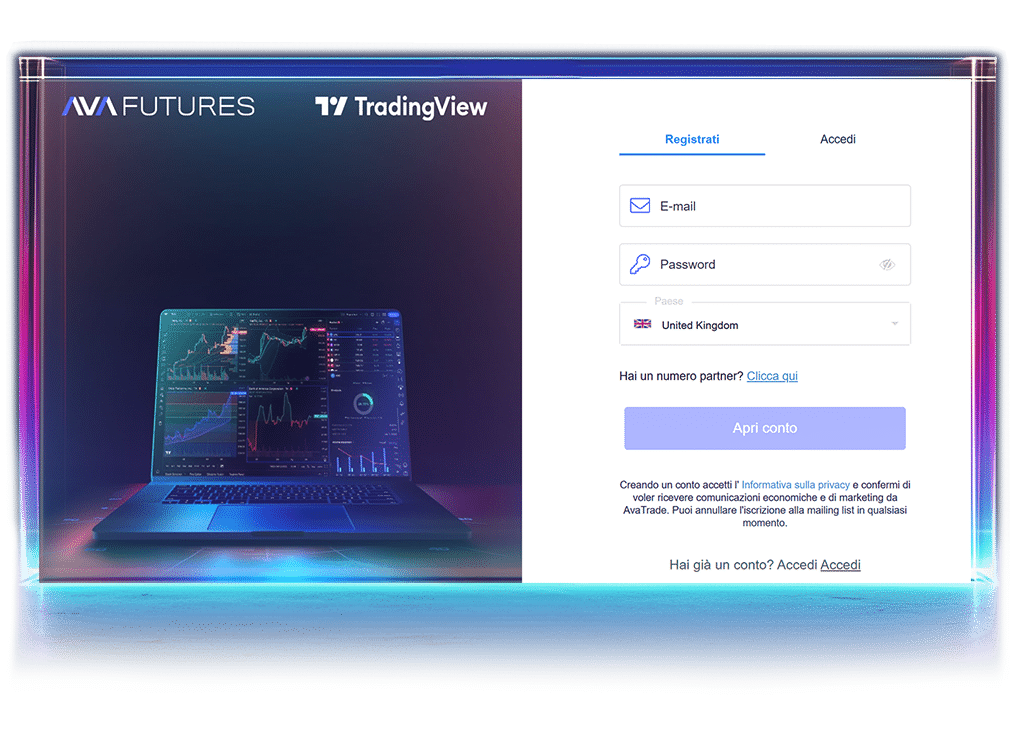
Step 2:
Choose Platform
Select TradingView as your platform and
deposit at least 500 USD or EUR to activate
your futures account.
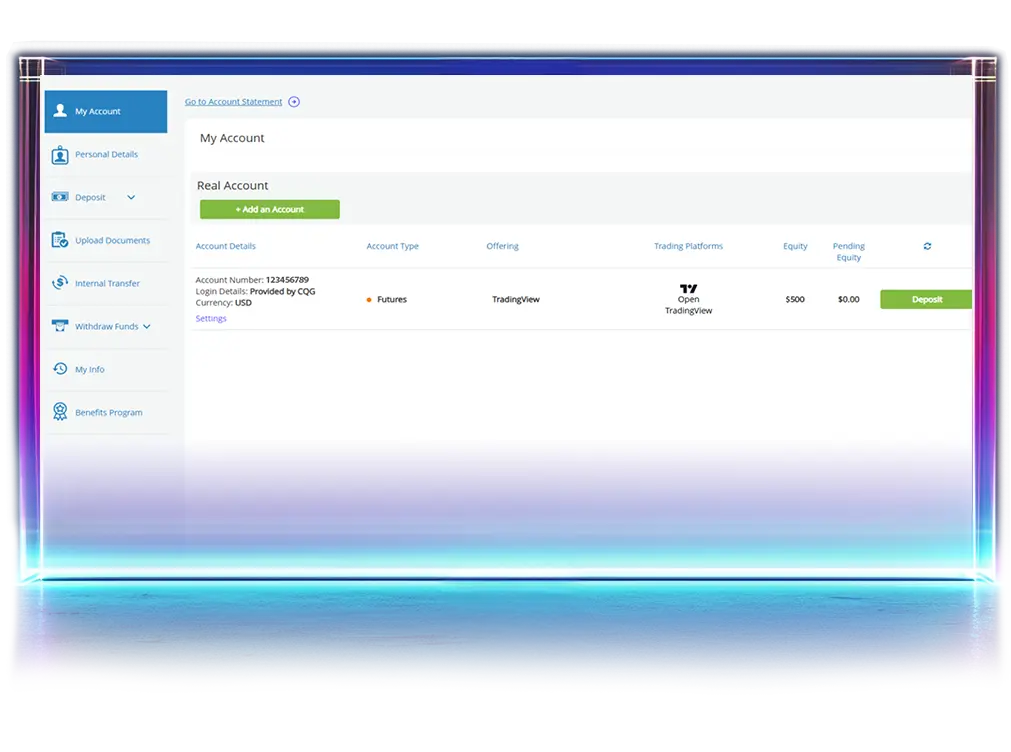
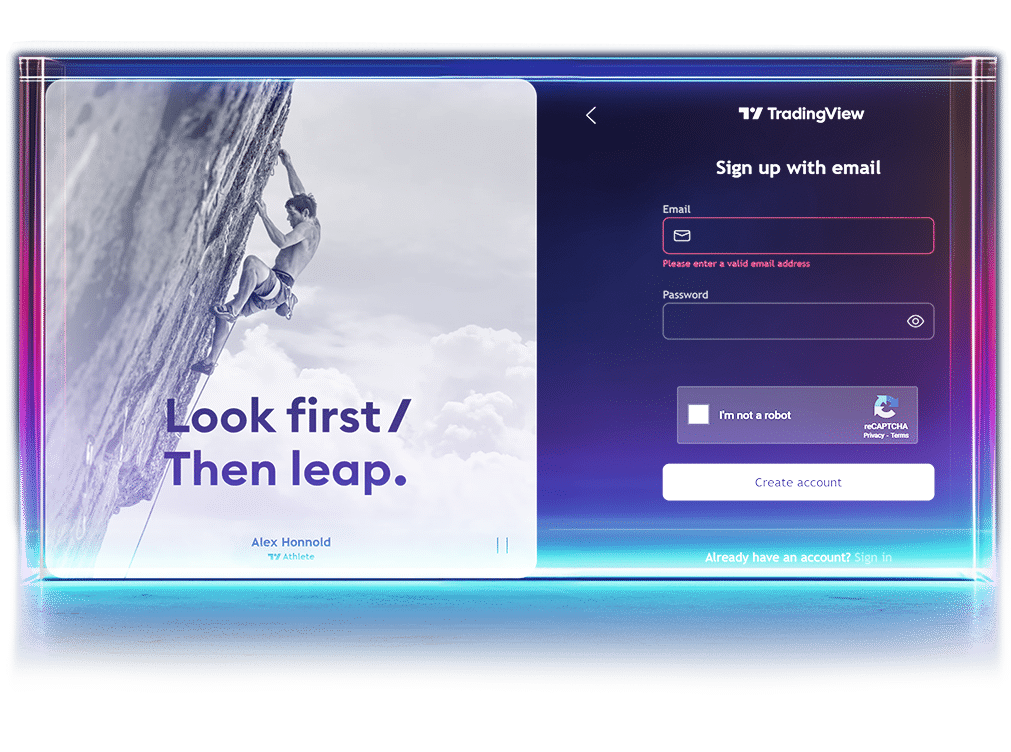
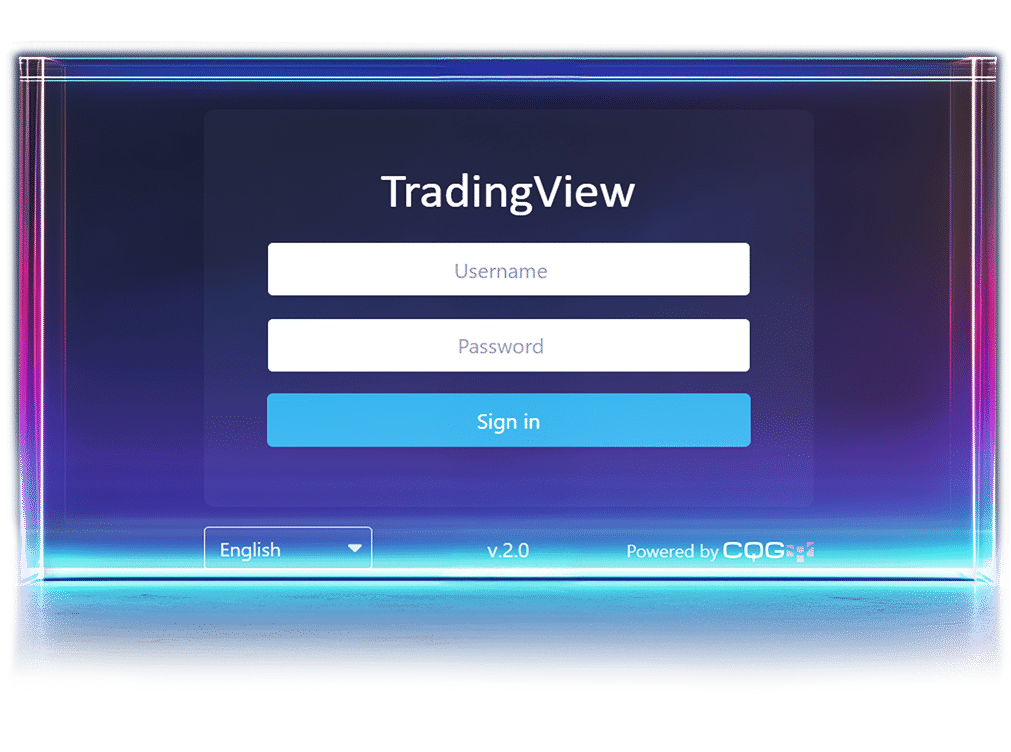
Step 5:
Link Credentials
Use the CQG login credentials emailed to you after your deposit to connect your AvaFutures account on TradingView.
Step 6:
Start Trading
You’re all set! Explore markets, apply your strategy, and trade futures directly from your TradingView chart.
Create an Account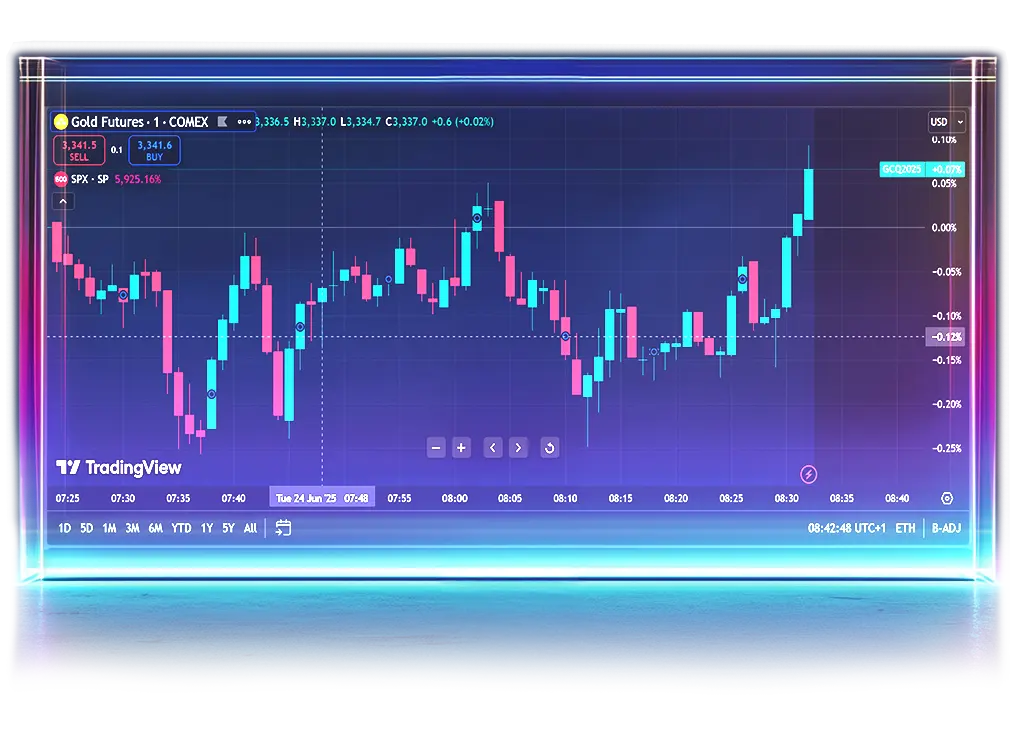
Expand Your Market View
Enhance your trading with advanced charting, live market data,
and custom strategy tools
and custom strategy tools
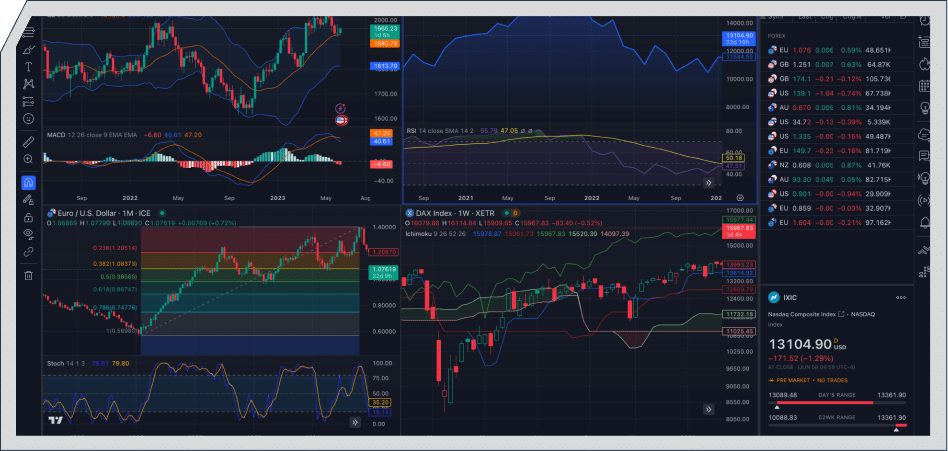
Intelligent Charting
Unlock industry-leading charts, 400+ indicators, and automated pattern detection for smarter trading decisions.
Seamless Trade Execution
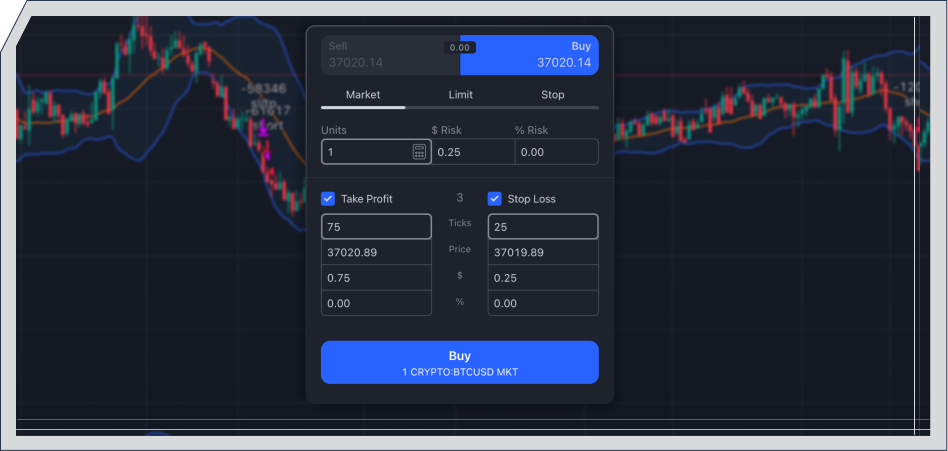
Place trades directly from TradingView charts, fully synced to your AvaFutures account for fast, execution.
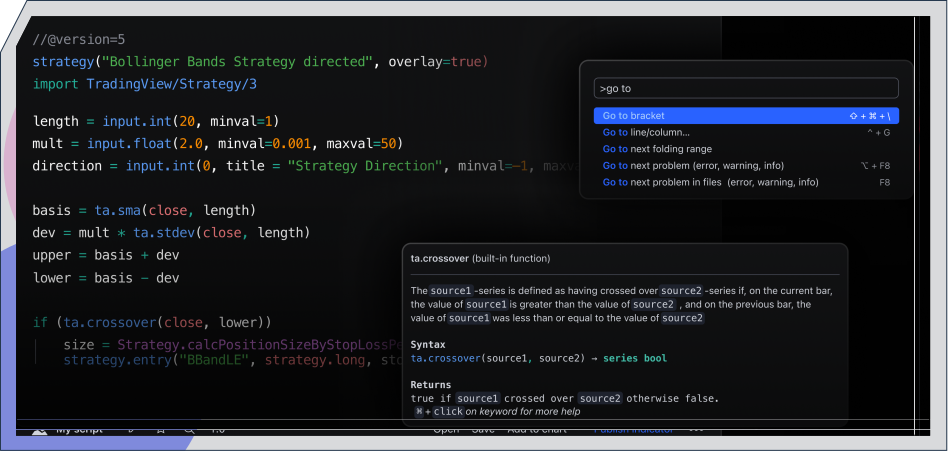
Strategy Customisation
Custom-build indicators and trading strategies using TradingView’s Pine
Script™ language.
Script™ language.
Live Market
Depth
Depth
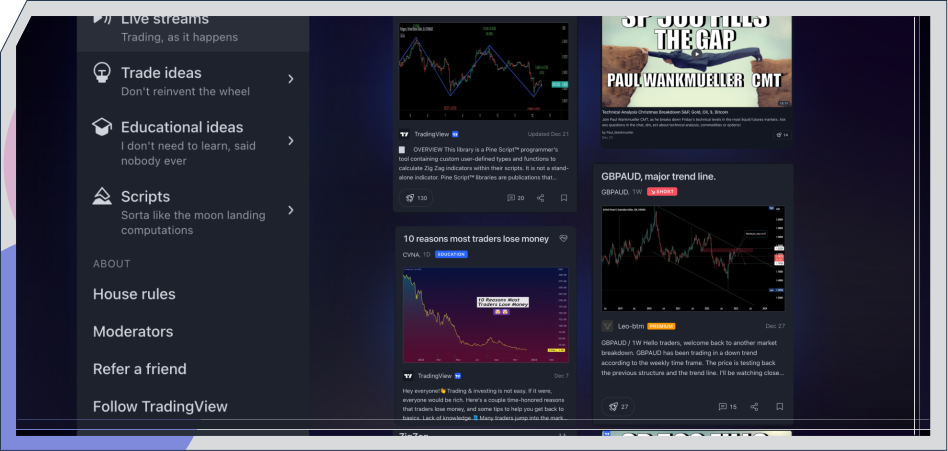
Access TradingView’s DOM windows and live exchange pricing for faster futures trading decisions.
AvaFutures +TradingView,
Wherever You Are
Access AvaFutures on TradingView across all your devices, whether you’re at your desk or on the move.



TradingView in Action
Watch and learn the full capabilities of this powerful platform
TradingView FAQ
TradingView is a world-class charting and trading platform that offers advanced technical features like customisable charts, 400+ technical indicators, and real-time data—trusted by millions of traders.
You will need to deposit a minimum of $500 to start. The first 3 months are free. After this period, you will need to trade a minimum of 20 lots per every rolling three-month period in order to get the next month for free. If you have not reached the 20-lot threshold in the three months prior then you will need to pay the $10 monthly fee. Read our Terms & Conditions to learn more.
Absolutely! TradingView is designed for all skill levels, with intuitive features for new traders and advanced tools for seasoned professionals.
Yes, TradingView allows you to seamlessly trade futures with AvaFutures, using its platform for both analysis and execution of trades. Your account funding and withdrawals will still be conducted on AvaFutures.
To trade using TradingView with AvaFutures, a minimum deposit of $500 is required. This qualifies you to receive up to 100 commission-free trades as part of your first-time deposit (FTD) benefits. Be sure to check our Terms & Conditions for full details.
We pay up to 3% interest on free balance from the moment that you deposit with us. For more details please click here.

